

Blog ·
Customer interviews without scheduling: where AI voice interviews help
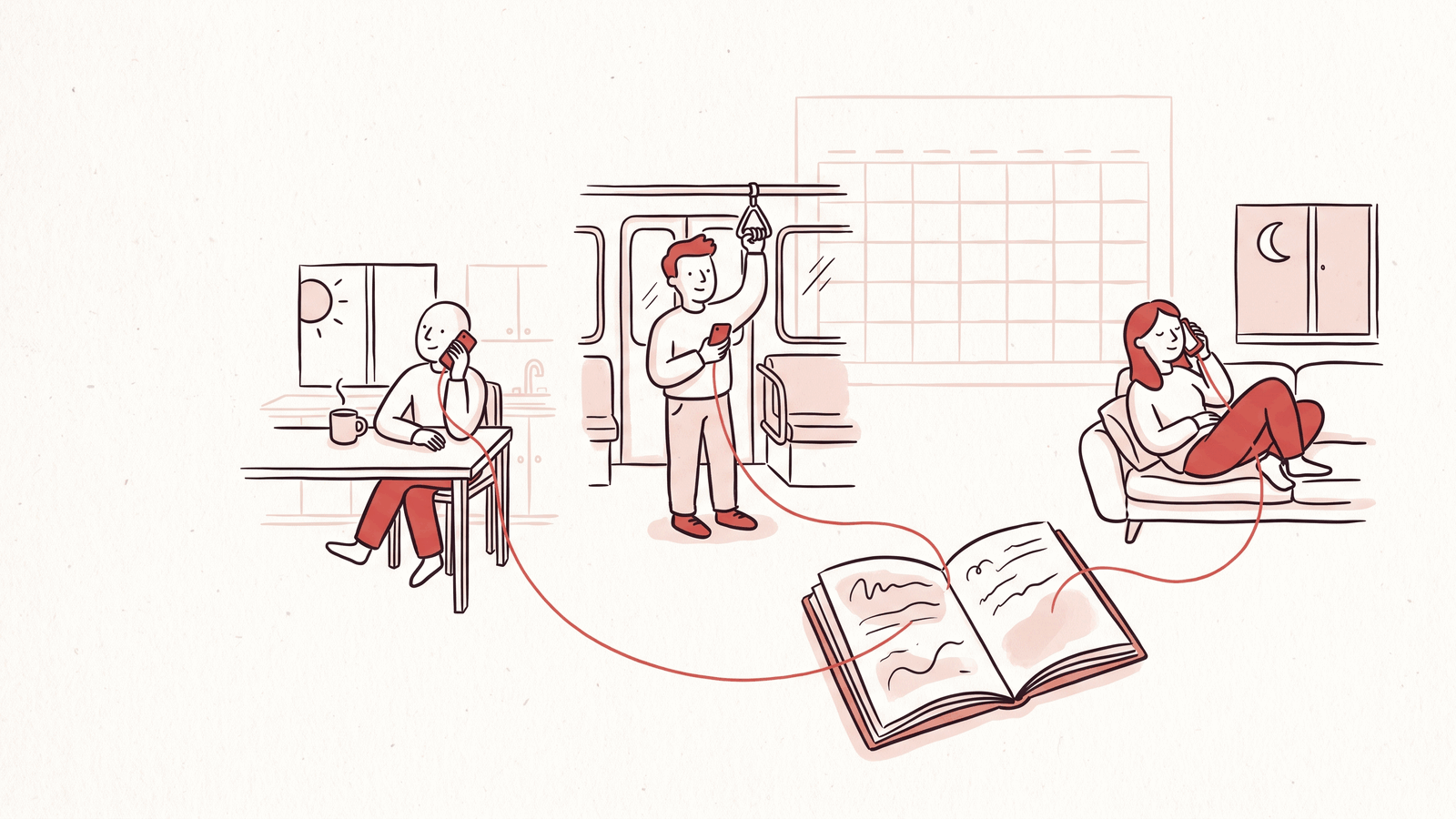
A customer has something to tell you, but finding half an hour when you are both free takes longer than the conversation. A link they can open on their own time can help.
With an AI voice interview, the customer speaks to an interviewer that can ask follow-up questions. Your team does not have to attend. That removes the scheduling step; you still need a clear question, a reason for someone to take part, and time to read what they say.
Start with a decision you need to make
"Understand our customers" is too broad for a short interview. "Find out where new accounts get stuck before inviting a teammate" gives you something to ask about and an action to consider afterward.
For that example, a small question set might be:
- What were you trying to get done when you signed up?
- How far did you get?
- Where did you need help?
- What did you do next?
Invite people who stopped during onboarding as well as people who finished. If you only hear from your most enthusiastic customers, your results will reflect that.
What a follow-up can add
Consider this fictional exchange:
Customer: "Getting started was confusing."
Interviewer: "Which part were you working on when you got stuck?"
Customer: "I had created the project, but I couldn't tell whether I needed to invite everyone before uploading the file."
That answer points to a specific moment you can inspect. It does not prove the whole onboarding flow needs rebuilding.
An AI interviewer can miss a cue, misunderstand an answer or spend time on the wrong detail. Read the conversation before treating a summary as a finding.
Give people a choice of voice or text
Voice may suit someone who would rather explain a story out loud. Text may suit someone in a shared office, someone who needs more time to think, or someone who simply prefers typing. Neither format guarantees a more honest answer.
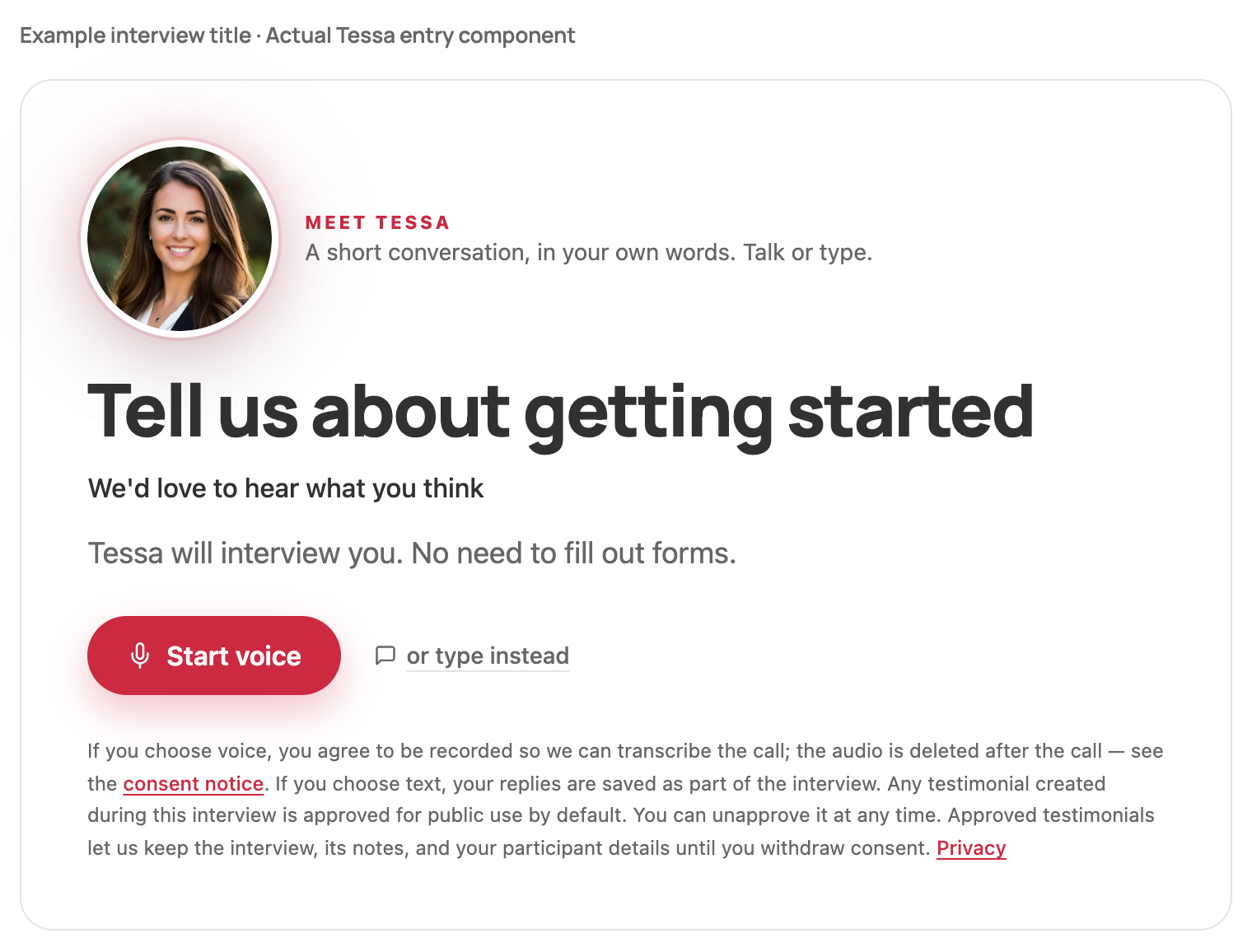
Product screenshot: Tessa's actual entry component, rendered locally with a fictional onboarding interview title. It shows the participant's starting options, not a recorded customer session.
In Tessa, participants can start by voice or text without creating an account. Before sharing a voice interview, test the experience on the devices your customers use and read the disclosure they will see.
Set up a small first round
Describe the product, the audience and the questions you want covered. Add relevant background for personal invitations, but avoid notes that tell the interviewer what conclusion to reach. "Stopped after creating a project" is useful context. "Didn't understand our excellent onboarding" is a judgment.
Try the interview yourself. Check whether it asks one clear question at a time, follows up usefully, and gives someone room to say they do not know. Use what you observe to set an honest time estimate in the invitation.
Share the link with a small group before sending it broadly. Your team still owns who gets invited and how you follow up; creating an interview does not mean every customer will complete it.
Review the gaps as well as the answers
Tessa organizes findings around the questions you set. Look at what was captured, what someone declined to answer and what the interview did not reach. A missing answer is not evidence that the customer had no problem.
If several people describe the same sticking point, inspect that step. If one answer raises a difficult question, arrange a human conversation. Keep live interviews for work that needs careful probing, sensitive context or watching someone use the product.
The homepage demo lets you try the participant experience. For the first real round, choose the one decision you want those conversations to inform.